 Florilla
No ads, no tracking
There is no advertising, no analytics and no third-party tracking code in Florilla. Nothing about you is sold.
A first-person flower walk for iPhone
Florilla is a cozy first-person game for iPhone. Walk an endless country trail, pick the wild flowers that grow beside it, then trim, arrange and wrap them by hand and send the bouquet to a friend.
Tap a flower in the meadow to pick it.
What Florilla is
Every walk follows a trail that is laid out as you go. Choose rolling prairie with farms, windmills and rivers, the big ridges and pines of Alpine Heights, or the golden slopes below Damavand's snowy peak. Bees work the flowers, butterflies settle on the lilies, and the path never runs out.
Nothing chases you and nothing times you. When your basket feels full, open the Bouquet Builder: trim each stem, place every flower, set the heights and wrap the bunch in paper with a ribbon or a twine bow. Then keep it, or send it to someone.
How it plays
The trail on the left fills in as you scroll. Each stop shows the real screen from the game.
On the trail
Steer with the D-pad and drag anywhere on the screen to look around. Double-tap forward and hold to run. Farms, windmills, rivers and wooden bridges appear as the trail unrolls ahead of you.
Walk or run, at your own pace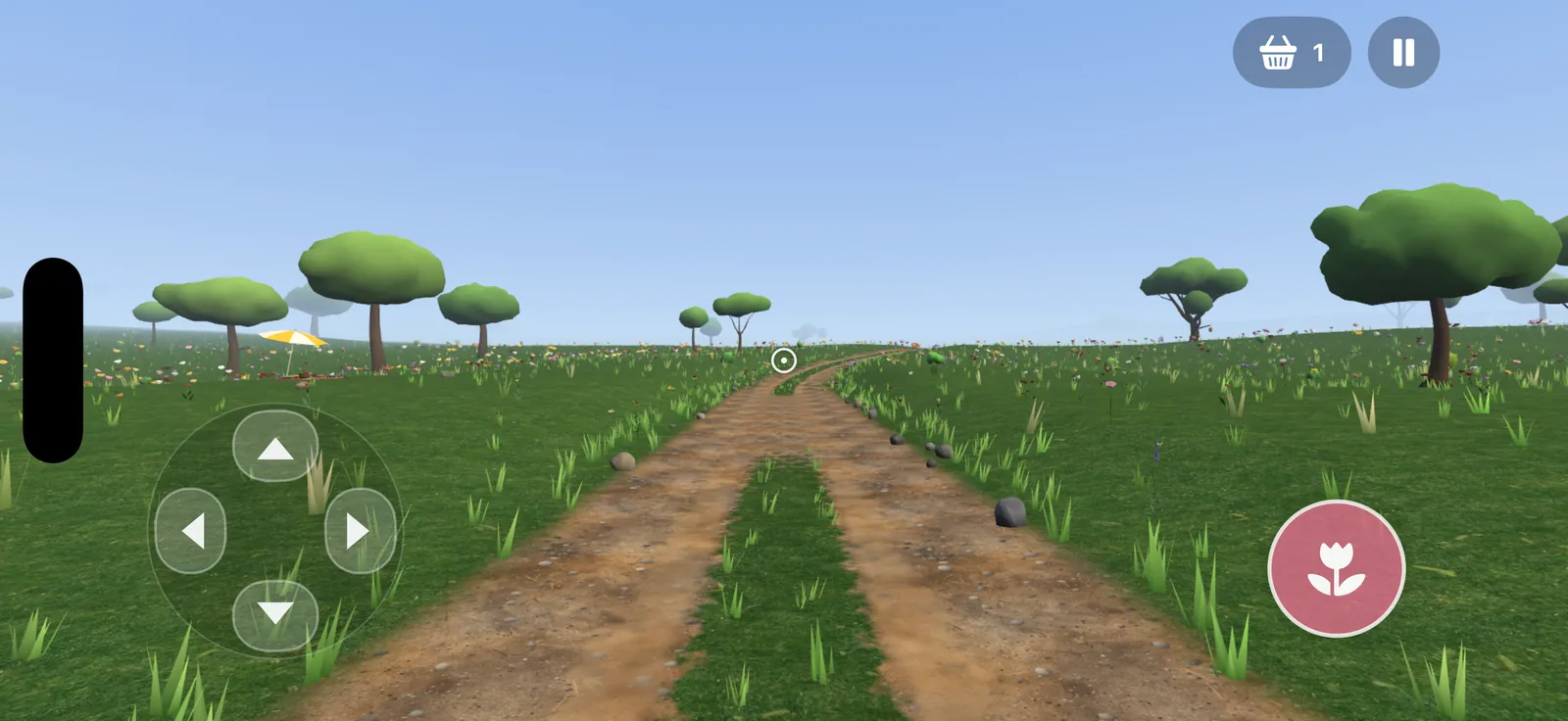
On the trail
Aim at a flower and it gets a white outline. Tap the pick button and it goes into your basket. Roses, lilies, tulips and lavender grow wild along the prairie trail, and the bees usually find them first.
Roses, lilies, tulips, lavender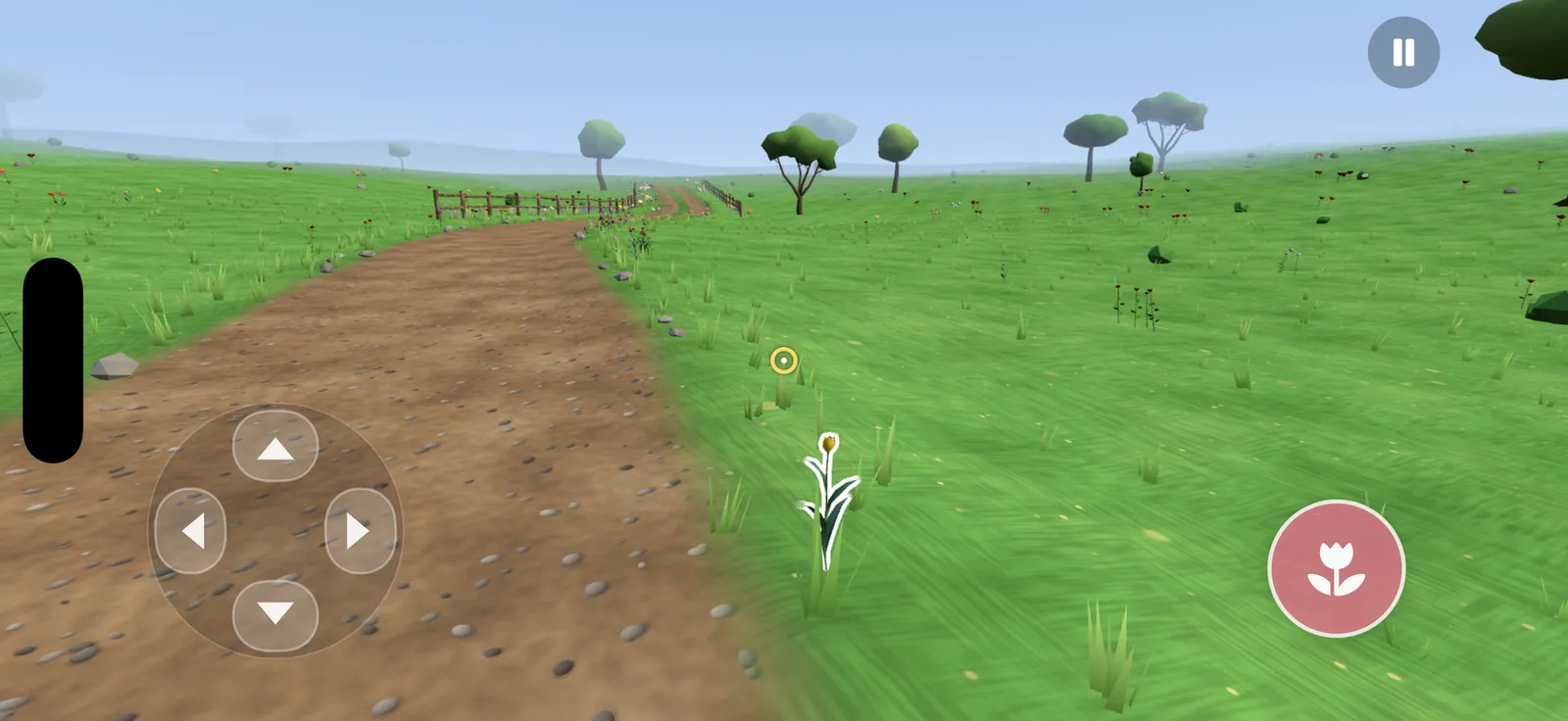
Bouquet Builder · Prepare
Lay four flowers at a time on the cutting board and cut each stem against the 32 cm ruler. The ruler marks the lengths that sit well in a bouquet.
Four stems on the board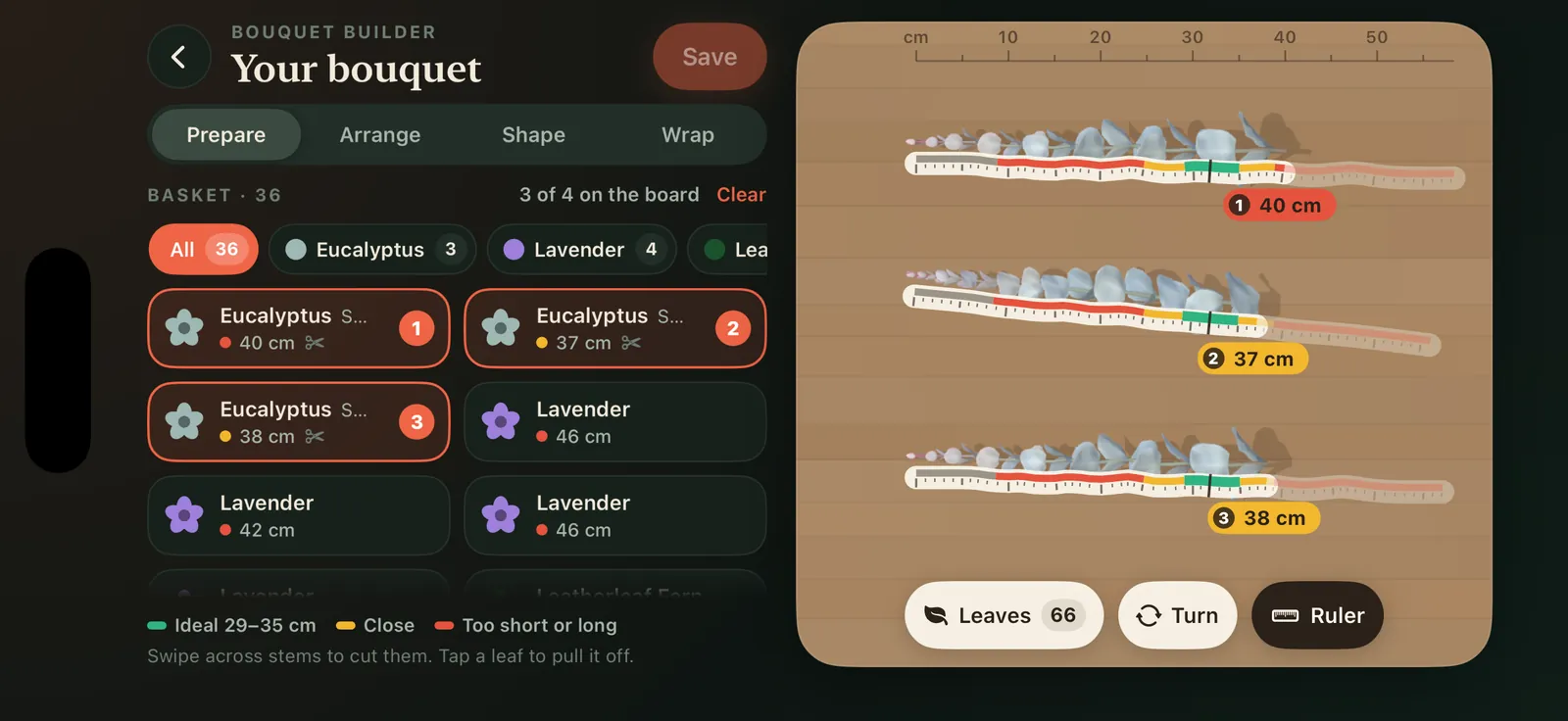
Bouquet Builder · Arrange
Tap a spot in the bunch and choose what goes there, or press Auto arrange for a florist's layout: focal blooms in the middle, foliage around the edge. Press it again for a fresh arrangement.
Auto arrange, new every press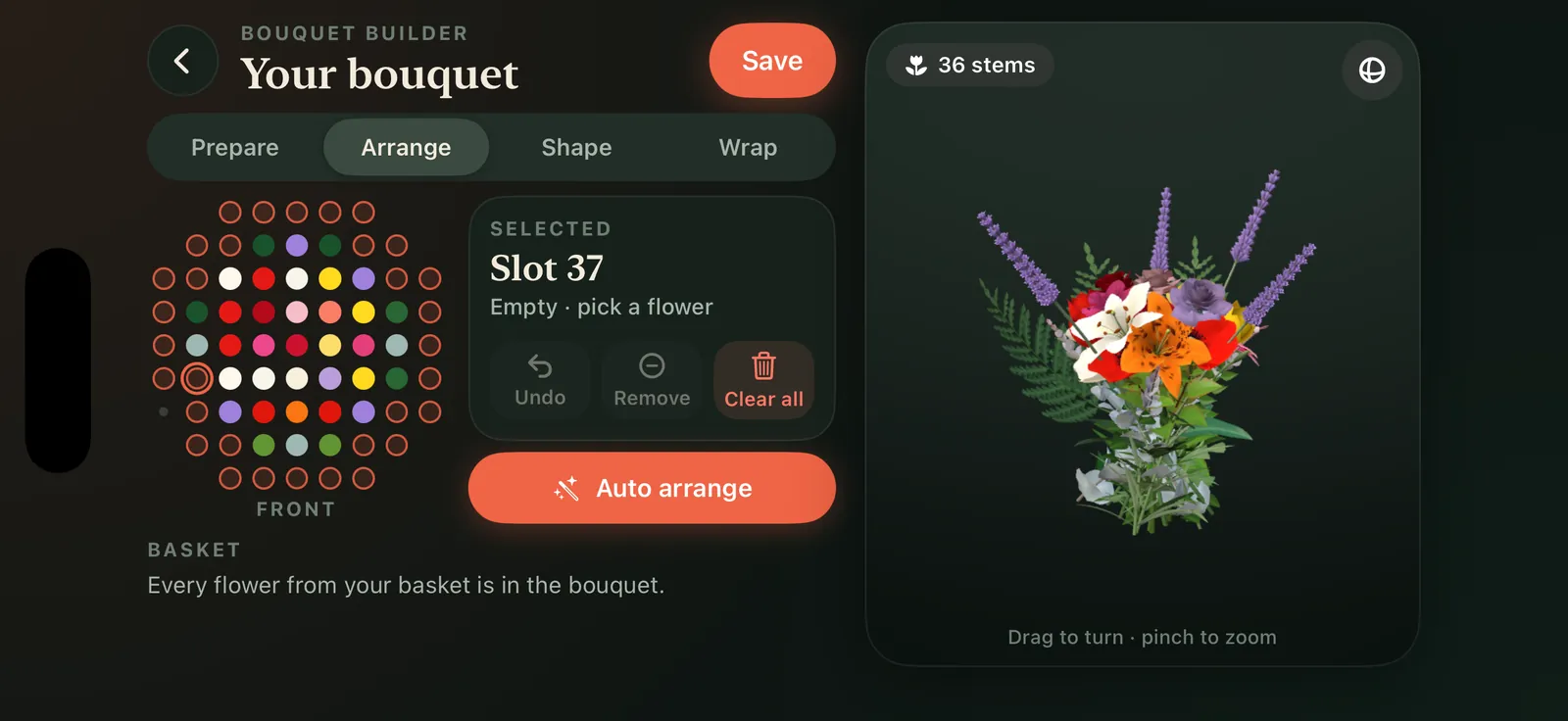
Bouquet Builder · Shape
Raise or lower single stems, choose how high the bunch is tied and how tightly it is held. The bouquet turns under your finger so you can check it from every side.
Drag to turn, pinch to zoom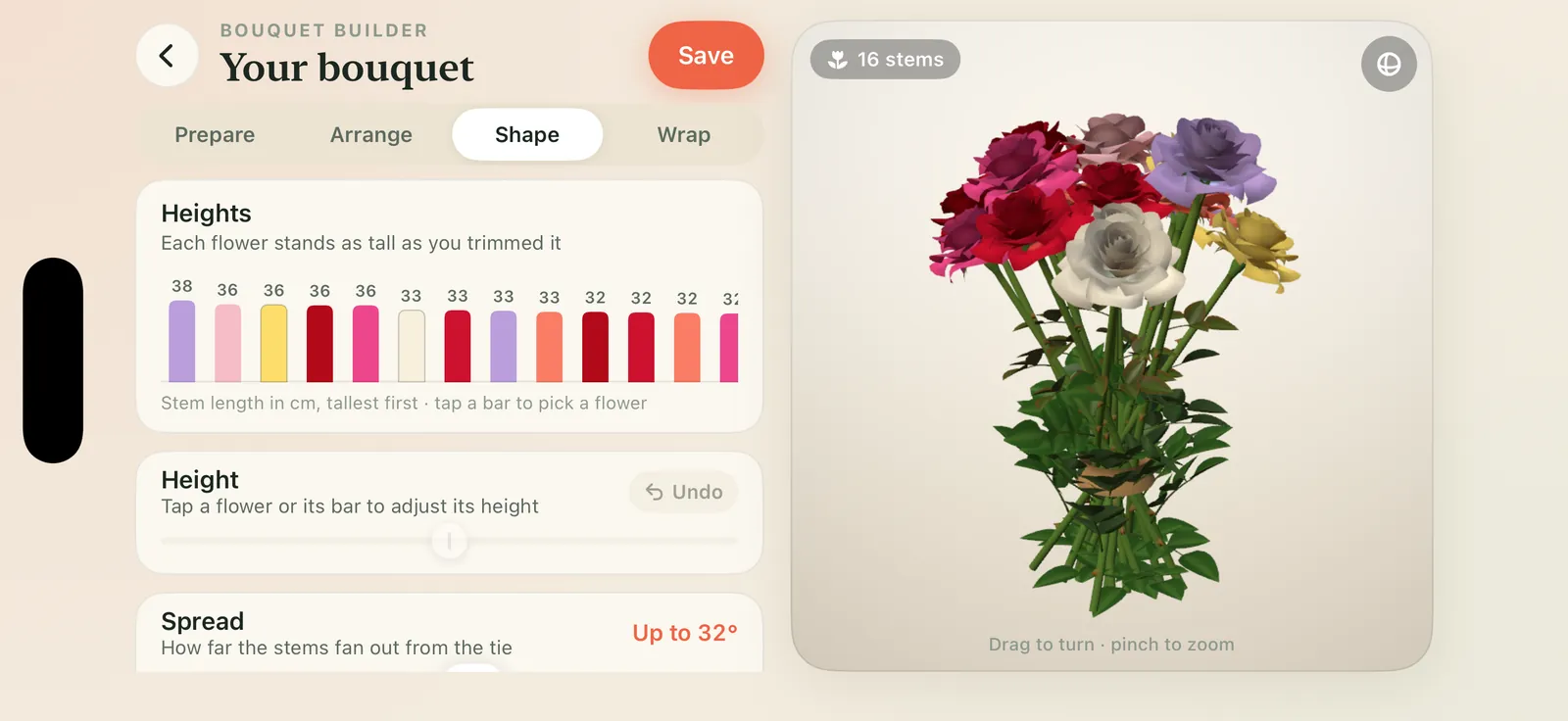
Bouquet Builder · Wrap
Quick wrap folds a florist's cone for you in kraft, blush, sage, ink or cream paper, with a ribbon at the tie. Or wrap it yourself: fold each side over, add a piece of tape and tie a bow.
Wavy, straight or wrinkled paper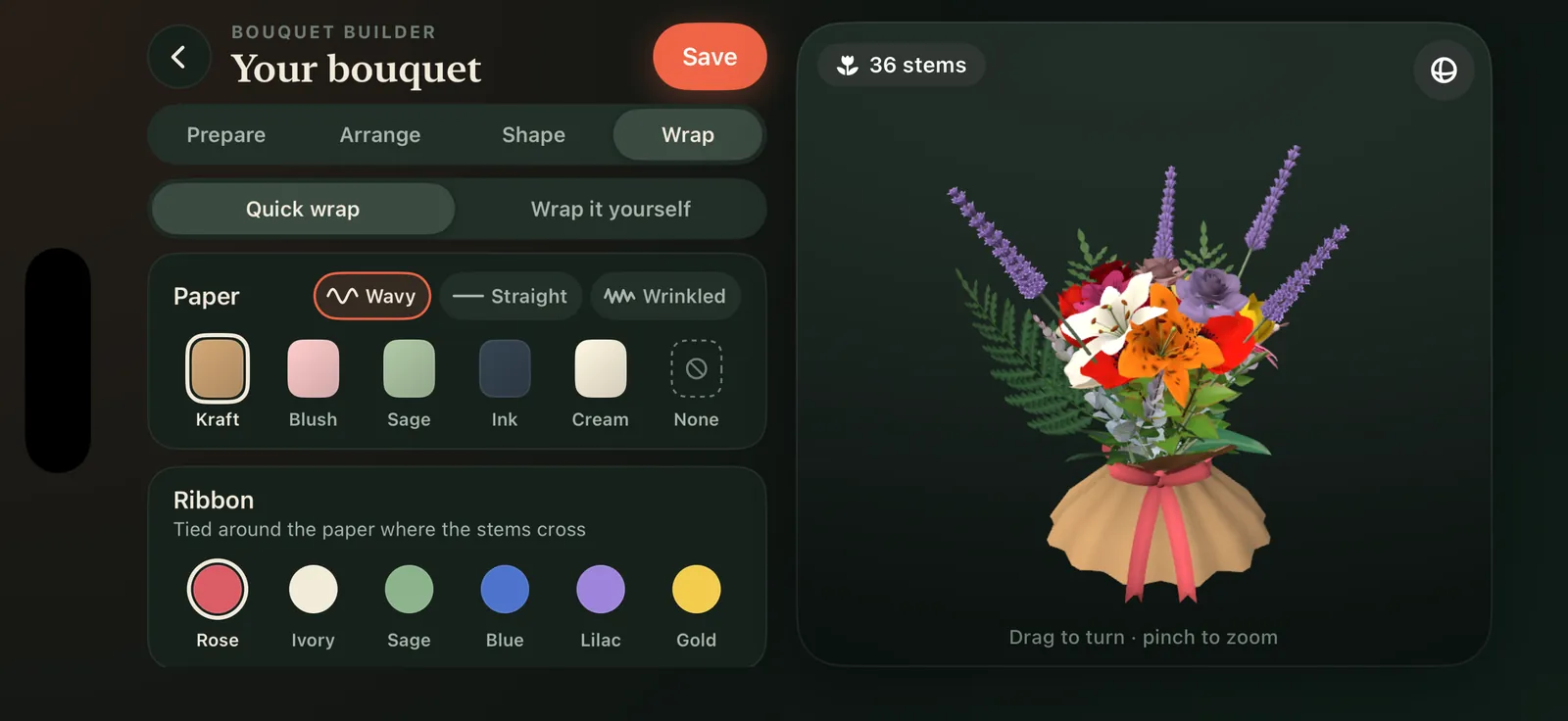
Gallery
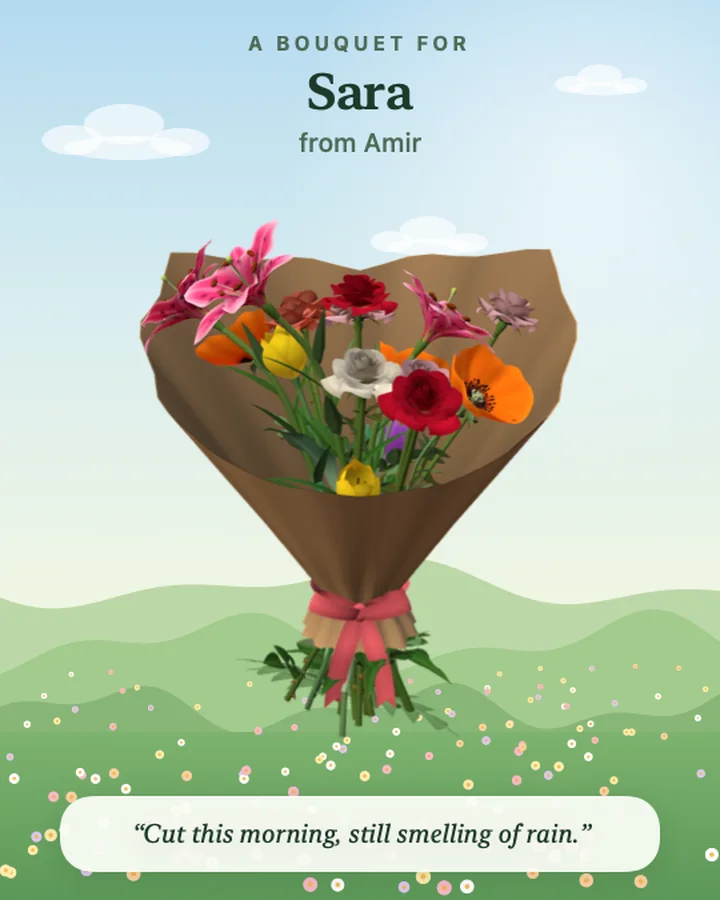
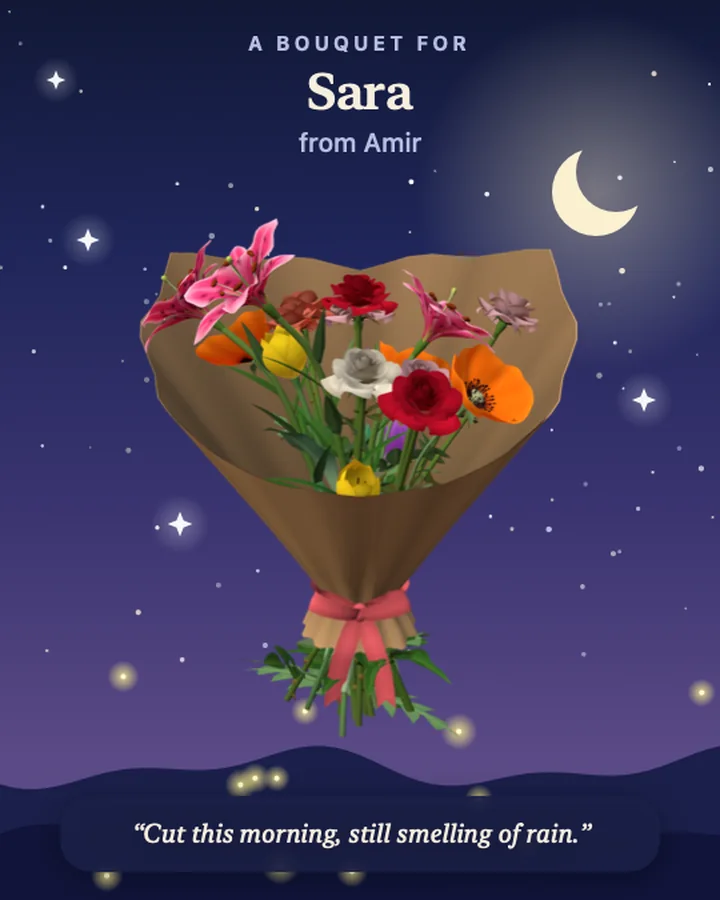
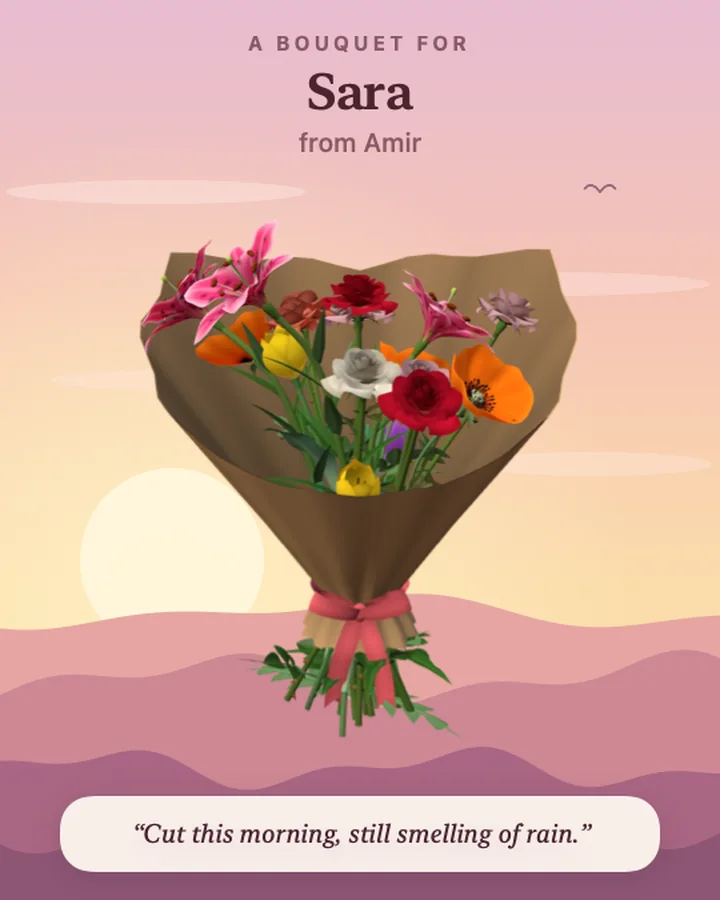
Every bouquet you make waits in your gallery with its name and note. Send one to a friend by username, or save it as a picture or a GIF that turns.
Send, share or save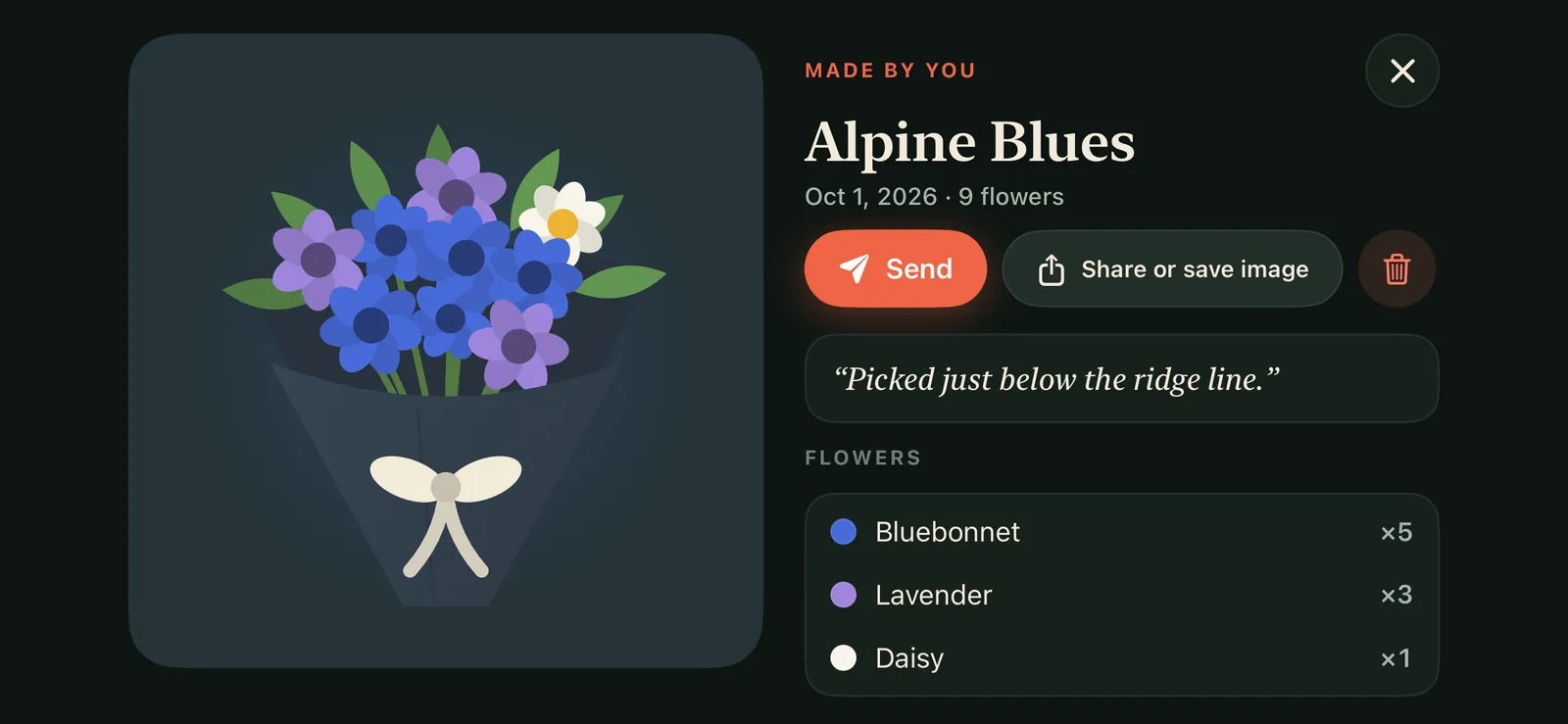
Screenshots
Captured on iPhone. Hover to stop the reel, and tap a picture to see it larger.
Privacy
Florilla collects as little as it can. Here is the short version; the full policy has every detail.
There is no advertising, no analytics and no third-party tracking code in Florilla. Nothing about you is sold.
Walking, picking and building happen on your iPhone and work offline. Your basket, bouquets and stats stay on the device.
When you send a bouquet, the server keeps your username, the bouquet and its note so your friend can open it. Only the two of you can see it.
Nobody can browse players. Someone can only send you a bouquet if they know your exact username.
Florilla asks before it sends any. Separate switches in your profile turn off "sent you a bouquet" and "opened your bouquet".
Delete a bouquet you received and it is gone from our server too. Sign out at any time, or ask us to delete your account and everything stored with it.
Questions
More answers, controls and account help are on the support page.
Florilla is a cozy first-person game for iPhone. You walk an endless, procedurally generated country trail, pick the wild flowers that grow beside it, and turn them into a bouquet in the Bouquet Builder: trim the stems, arrange the flowers, set the heights and wrap the bunch in paper. You can keep the bouquet in your gallery or send it to a friend.
Wild roses, lilies, tulips and lavender grow along the Prairie Meadow trail. Lilies and tulips come in four colors each, and lavender grows thickest along the log fences. Bees and butterflies visit the flowers as you walk.
Florilla is a single-player game. You can send the bouquets you make to friends by their username. They get a notification when your bouquet arrives, and you get one when they open it.
Florilla is in development for iPhone. This page will link to the App Store as soon as it is released.
Any iPhone with iOS 17 or later. The game plays in landscape. On iPhones with a 120 Hz ProMotion screen you can choose 120 frames per second, and 30 or 60 are there when you want to save battery.
No. You only need one to send or receive bouquets. You can create it with Sign in with Apple, or with an email address and a password.
Yes. Walking, picking and the Bouquet Builder all work without a connection. Sending, receiving and notifications need one.
In the game, Settings › Data resets your settings, walking stats, biome edits and gallery on your iPhone. To delete your account and the bouquets stored for it, follow the steps on the support page.
Coming to iPhone
Questions, ideas or a bug you spotted on the trail? Write to us and a real person will answer. Writing about Florilla? The press kit has the facts, screenshots and the app icon.
hello@florilla.example